PlanWell Timetable · for Mac
Your school week, on one timeline.
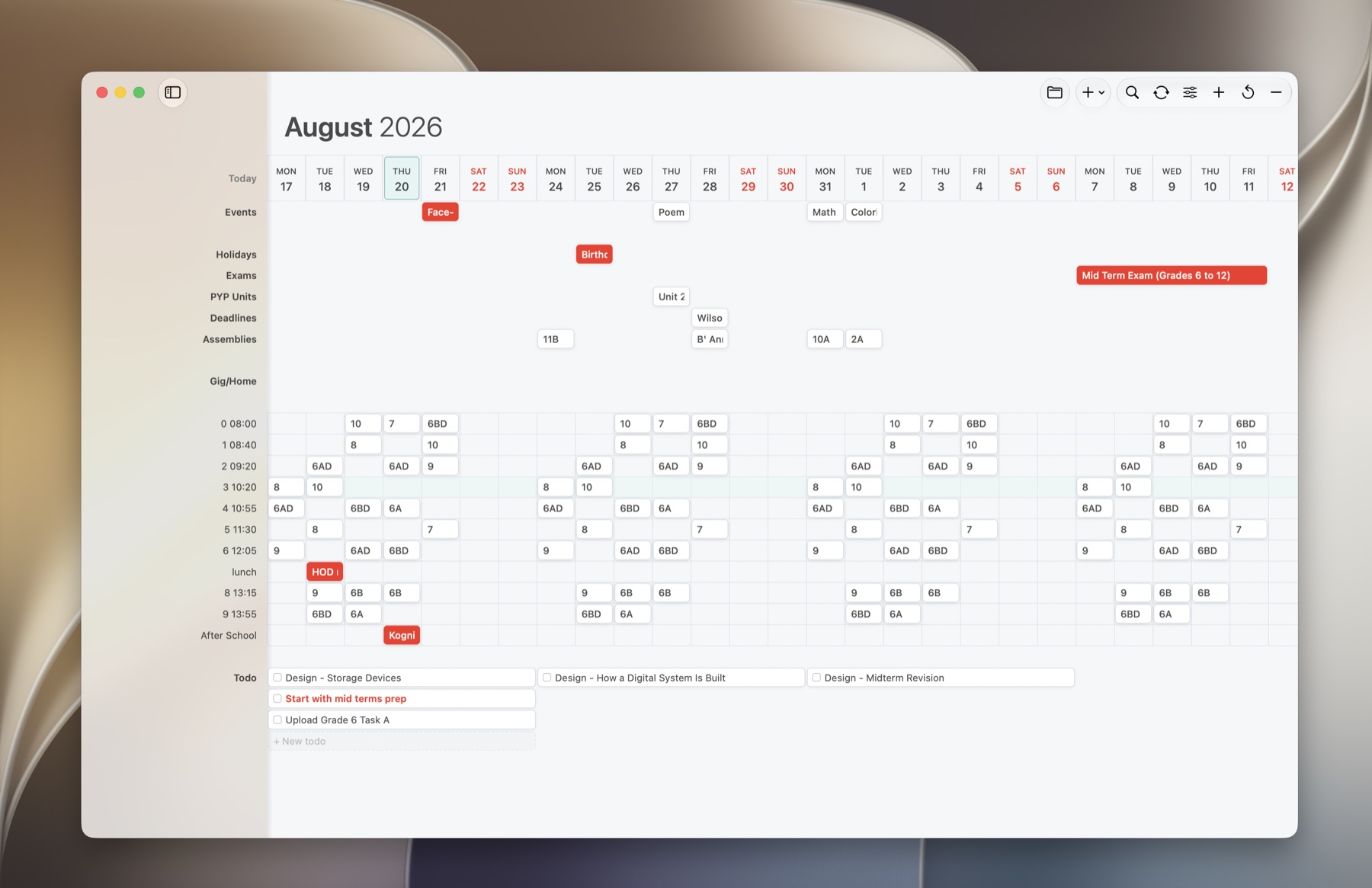
A Mac planner made by a teacher. Classes, events and todos in one clear view, synced with the Google Calendar your school already uses.
Free 14-day trial
 Download on theMac App Store
Every feature free for 14 days.
Then $19.99 once. No subscription.
Google mode
Your school runs on Google Calendar. Keep it.
Connect your Google account and choose which calendars PlanWell shows. Mark each one as Classes, which fill the periods they overlap, or Events, which sit above the timetable. Pick a Google Tasks list for your weekly goals.
- Edits go straight back to Google
- Shared staff calendars stay in sync
- Your data is never sent to PlanWell
At a glance
Know what's next without opening anything.
The menu bar shows your current or next class and how long until it starts. Widgets keep upcoming events and this week's todos on your desktop, and Quick Add drops a class or event into the right period from anywhere.
Local Markdown mode
Prefer plain files? Those work too.
Keep every class, event and todo as an ordinary .md file in a folder you choose. Open it in Obsidian, back it up anywhere, and sync with Apple Calendar and Reminders if you like. No account needed.
14 days free, then one price
$19.99 once.
Not on a Mac? PlanWell Web is a free, simpler planner that runs in your browser.